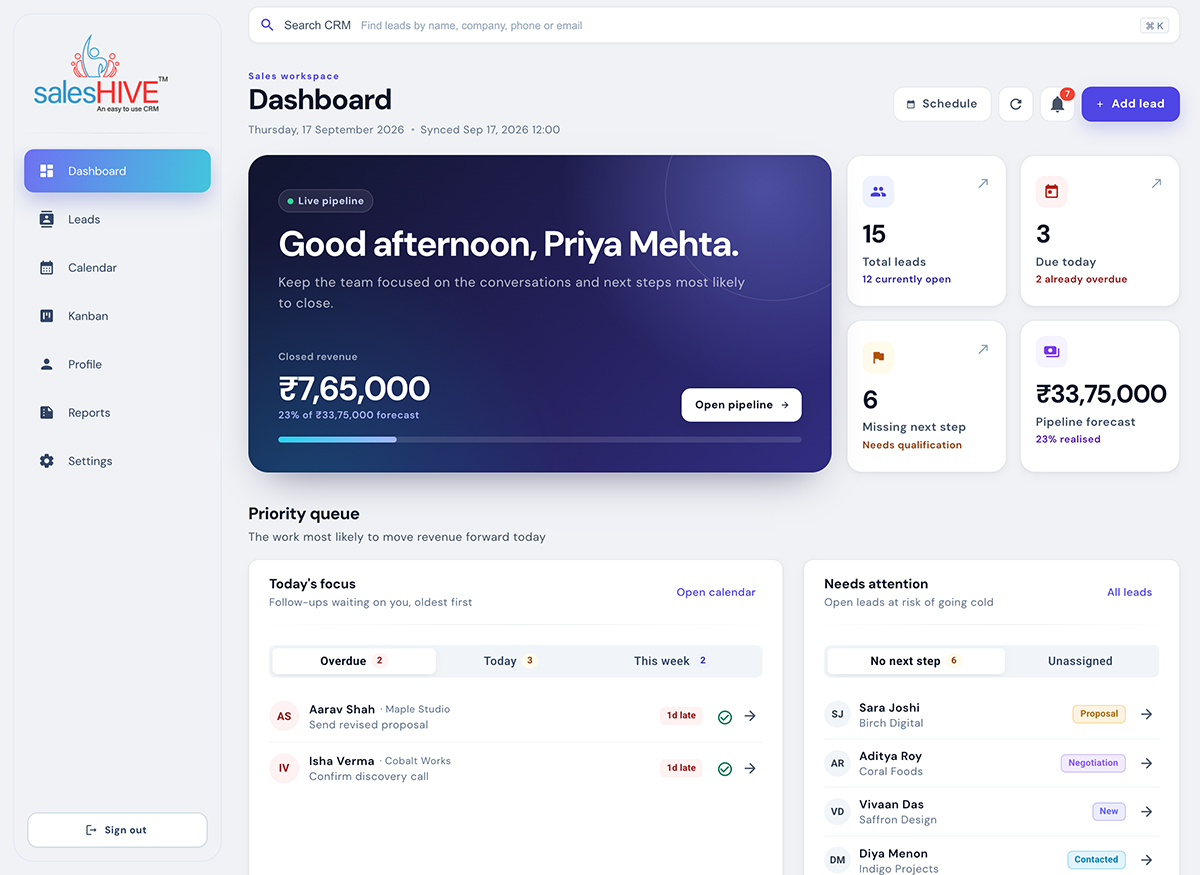
Dashboard & daily priorities
Know who to follow up with. See where every deal stands.
Bring overdue reminders, daily priorities and pipeline value into one view.
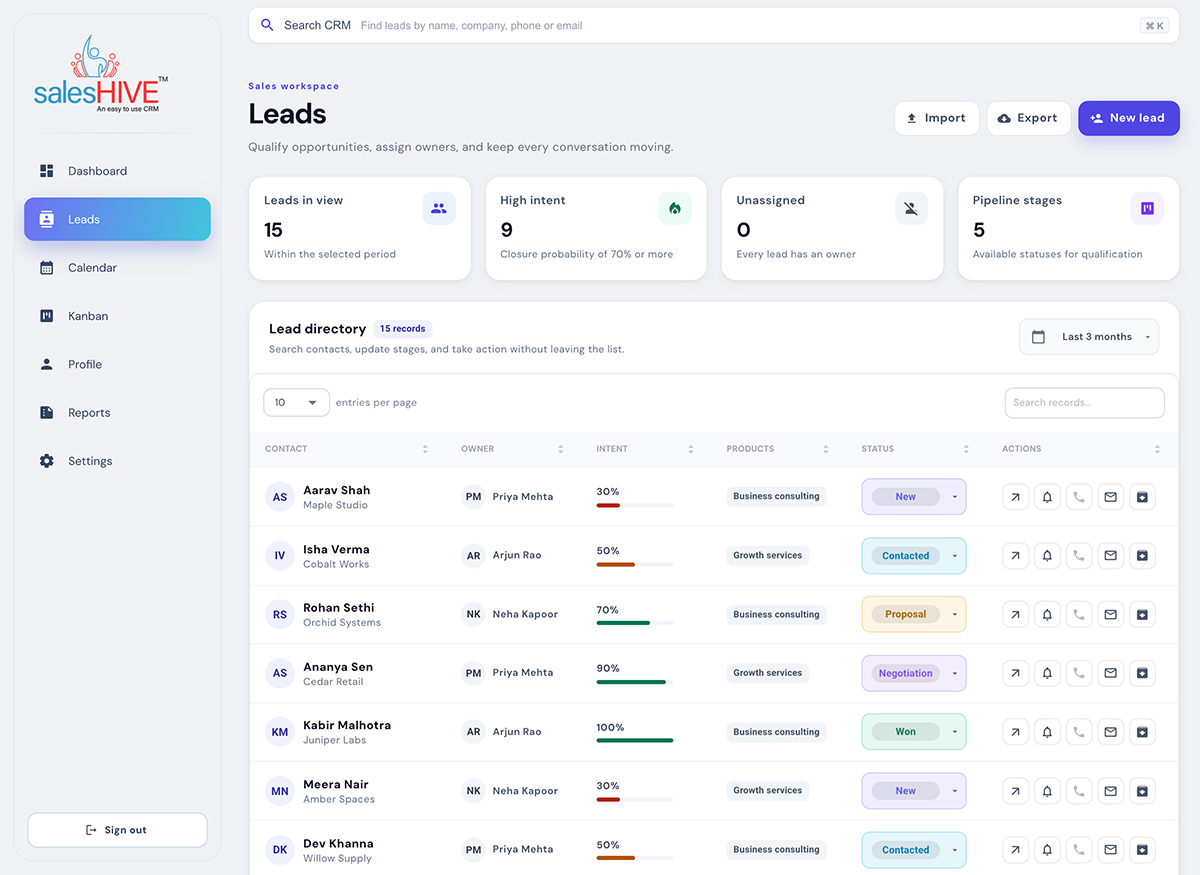
Lead management
Every lead has a place. Every conversation has an owner.
Keep contacts, stages, services of interest and assigned relationship managers together.
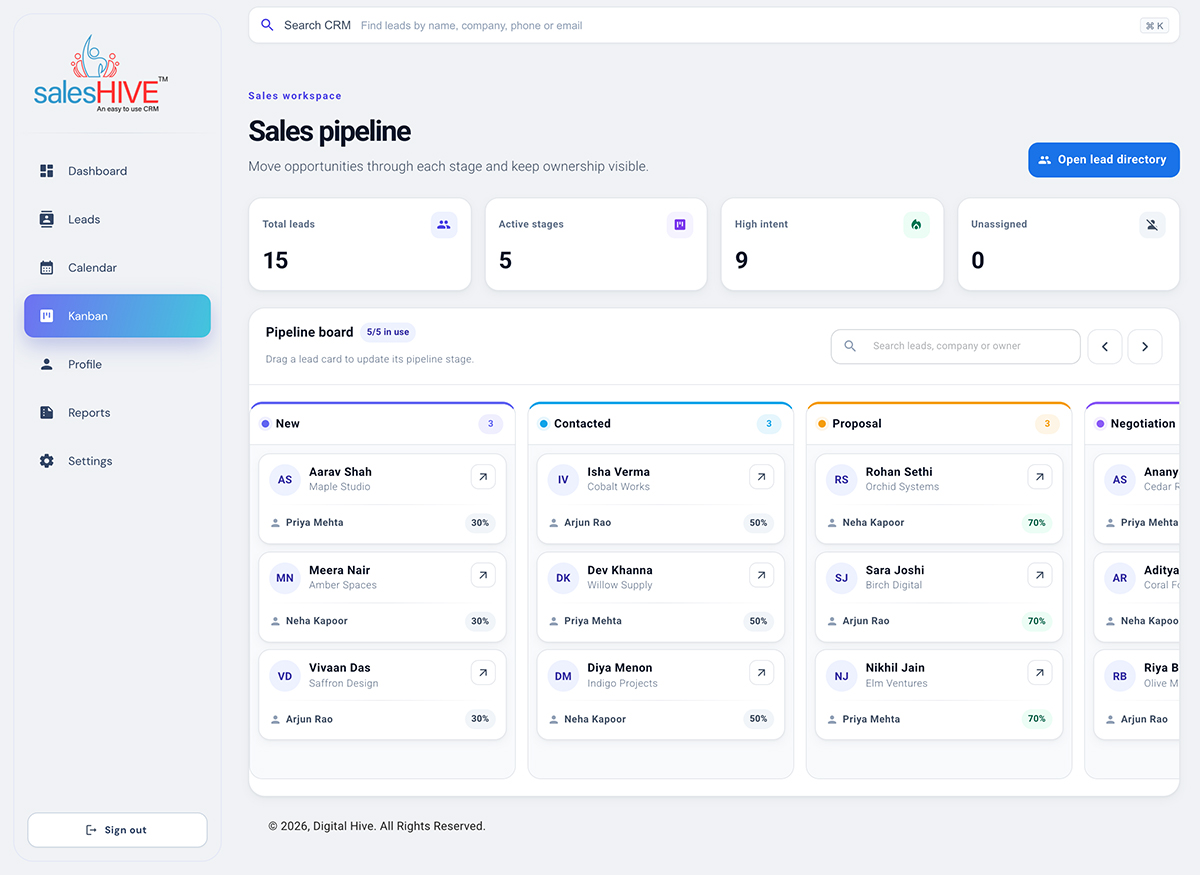
Visual pipeline
See the deal. Know the stage. Make the next move.
Move opportunities across stages and keep ownership visible.
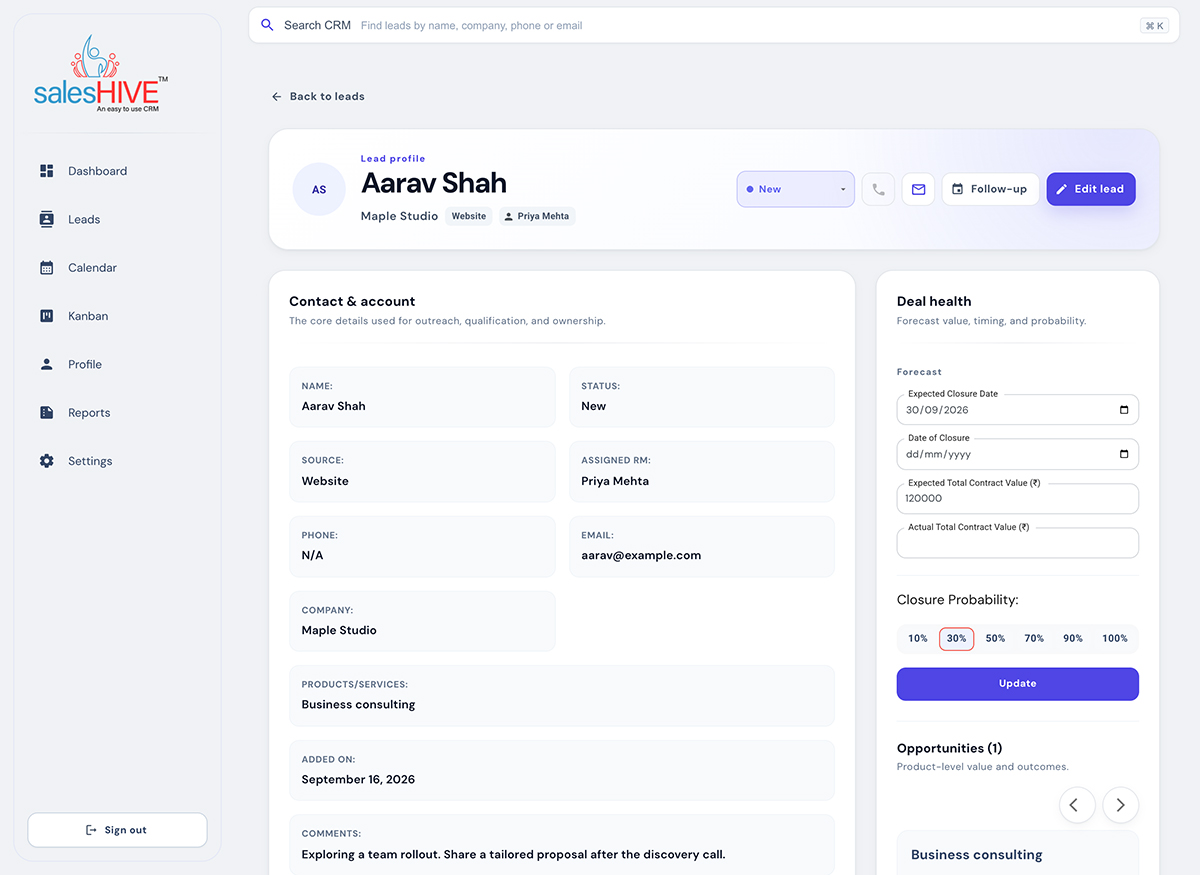
Customer context & deal value
Walk into every conversation with the details you need.
Review contact information and record the value, timing and probability of a deal.
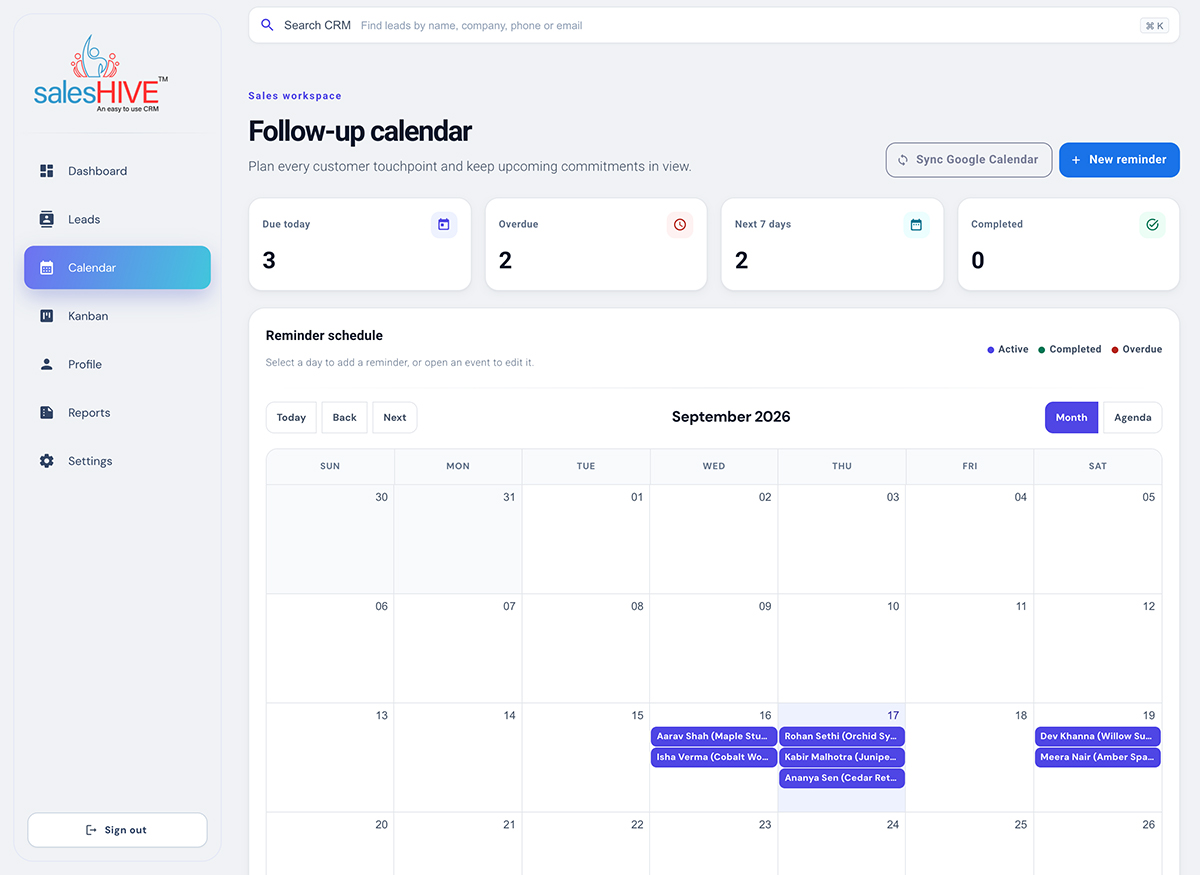
Follow-up calendar
Give every follow-up a time and a place.
Plan customer conversations with reminders linked to your leads.
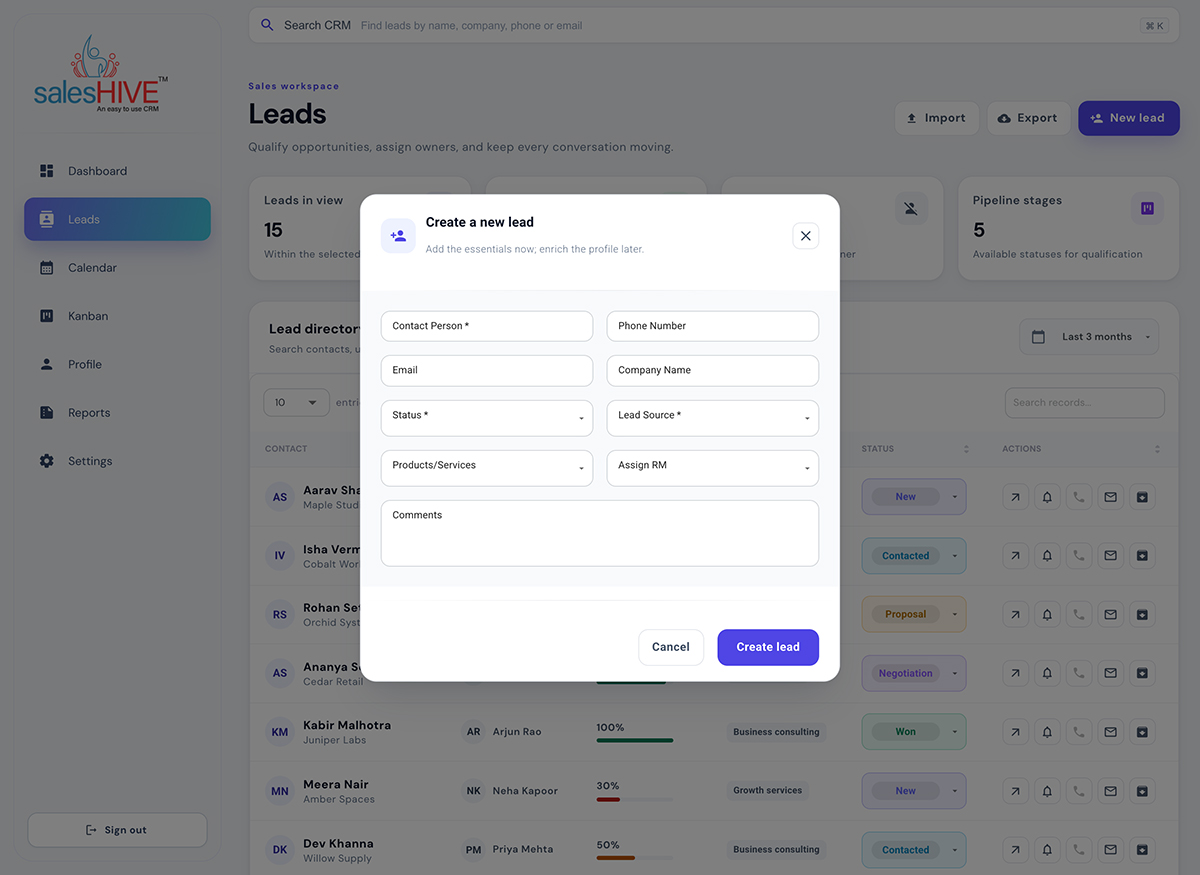
Lead capture
Capture the essentials while the conversation is fresh.
Add contact and company details, select a stage and assign an owner.
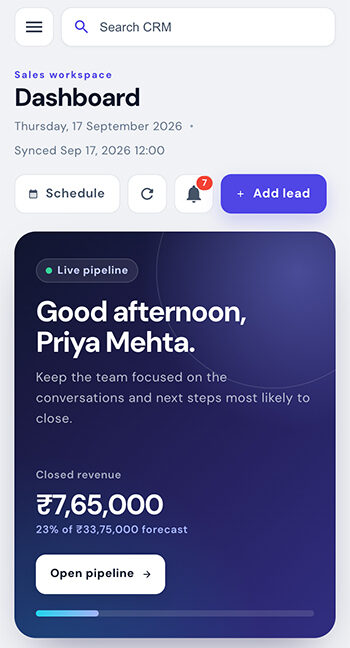
Mobile dashboard
Your sales overview, within reach.
Check your revenue overview and key sales counts from your phone.
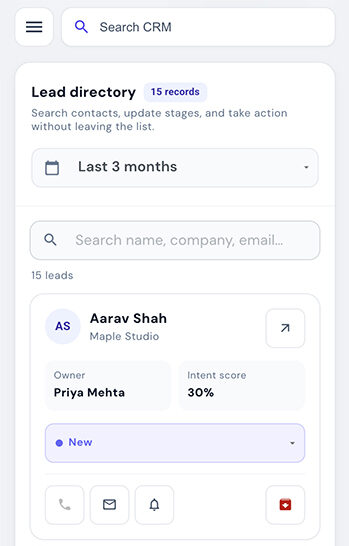
Mobile lead directory
Keep the next conversation moving.
Browse lead cards and access customer actions on a smaller screen.
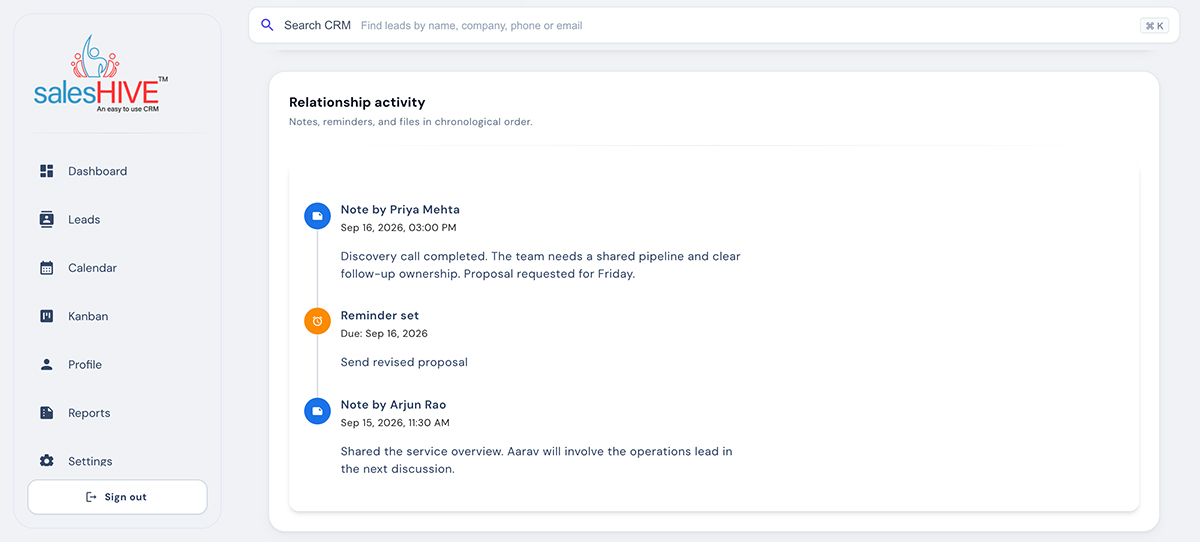
Activity history
Pick up the conversation with context.
Review notes and reminder activity together on the lead record.
Sales analytics
Turn a pipeline review into a clearer decision.
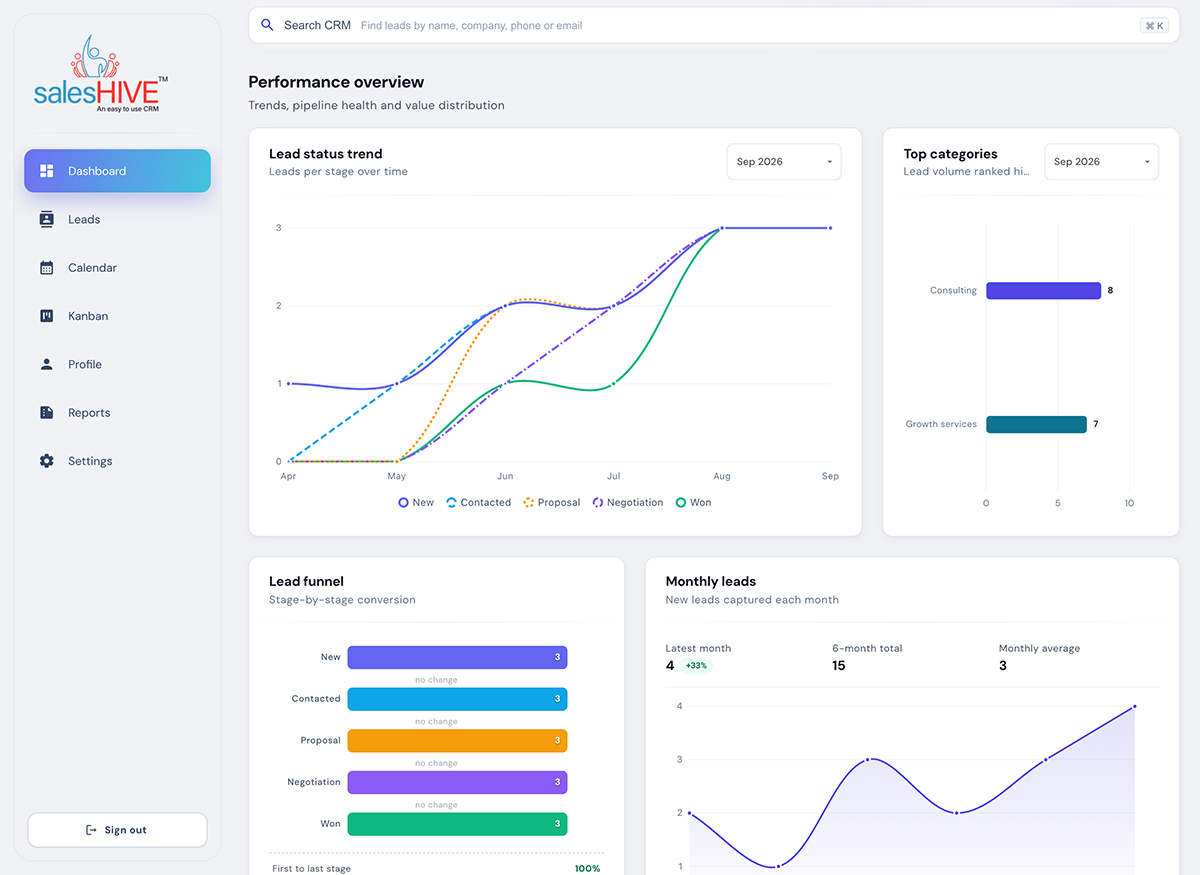
Explore lead status trends, categories and funnel distribution in the dashboard.